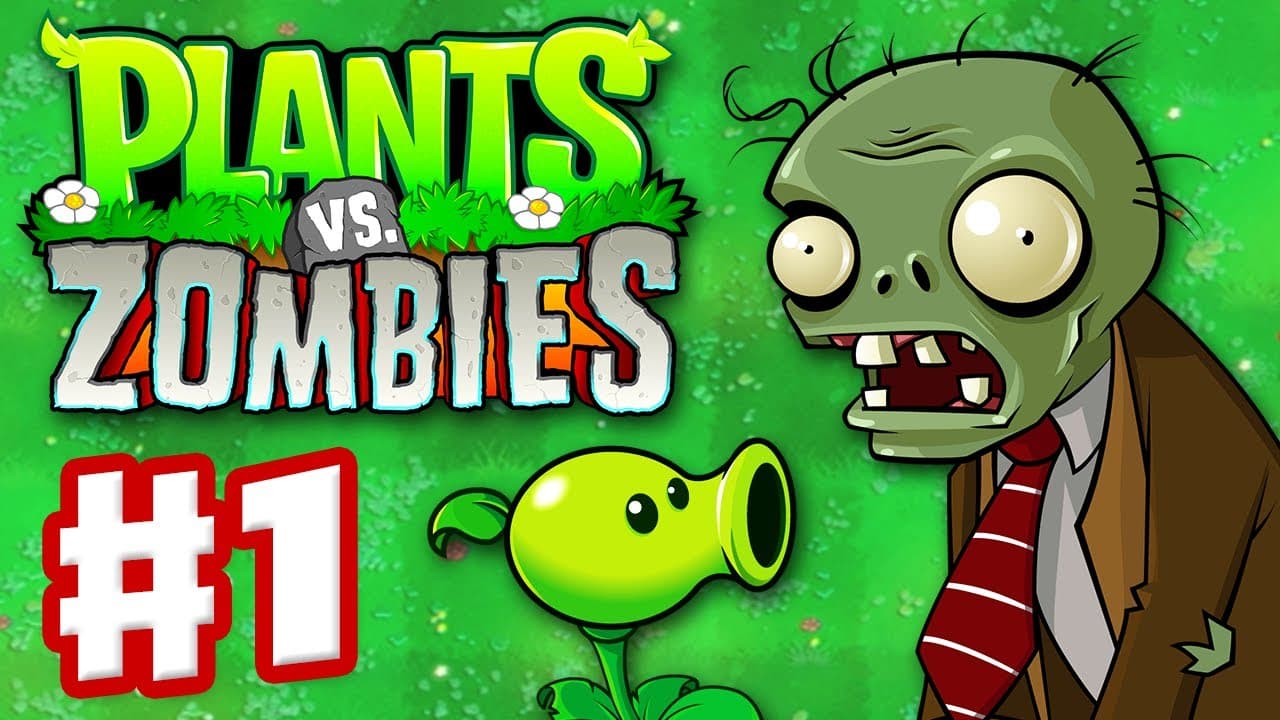
Plants vs Zombies Online
- Developer: PopCap Games (EA)
- Rating: 4.5/5 Stars
- Released: May 5, 2009
- Technology: Flash/HTML5
- Platforms: PC, Mac, Mobile (iOS/Android), Web Browser
What Is Plants vs Zombies?
Plants vs Zombies is the legendary tower defense game that started a phenomenon. Defend your home from waves of hilarious zombies using an arsenal of zombie-zapping plants. Each plant has unique abilities - from peashooters that fire projectiles to explosive cherry bombs and defensive wall-nuts. The game combines simple mechanics with deep strategy, creating addictive gameplay that's easy to learn but challenging to master.
Core Loop
Collect sun to plant your defenses, strategically place plants across five lanes, and stop zombies before they reach your house. The core gameplay revolves around resource management and tactical positioning. Sunflowers generate sun currency, offensive plants attack zombies, and defensive plants slow them down. As you progress, new zombie types appear with unique abilities, requiring you to adapt your strategy constantly.
What Makes It Special?
Plants vs Zombies revolutionized tower defense with its charming art style, quirky humor, and perfectly balanced difficulty curve. The game features over 40 unique plants and 26 zombie types, each with distinct personalities and abilities. Multiple game modes including Adventure, Mini-Games, Puzzle, and Survival ensure endless replayability. The memorable soundtrack and polished gameplay earned it critical acclaim and millions of fans worldwide.
How to Play Plants vs Zombies Online – Guide
Beginner Route
Start by planting Sunflowers in the back rows to build your sun economy. Place Peashooters in front rows to attack incoming zombies. Use Wall-nuts as defensive barriers to protect your attacking plants. Collect falling sun from the sky during daytime levels. Time your plant placement carefully - each seed packet needs time to recharge. Focus on building a solid defense in the first two lanes before expanding.
Controls Guide
- Mouse Click: Select plants from seed packets and place them on the lawn grid
- Drag & Drop: Move plants to strategic positions
- Click Sun: Collect sun that falls from the sky or is produced by Sunflowers
- Spacebar: Pause the game and review zombie types
- Plant Shovel: Remove plants to replant in better positions
Frequently Asked Questions
Q: Is Plants vs Zombies free to play online? A: Yes! The original Plants vs Zombies can be played free on multiple browser-based gaming sites, though some platforms offer premium features.
Q: What's the best strategy for beginners? A: Focus on sun production first with Sunflowers, then build two columns of Peashooters. Use Wall-nuts to slow down tough zombies and buy time for your plants to defeat them.
Q: How many levels are in Plants vs Zombies? A: Adventure mode features 50 main levels across 5 different areas: Day, Night, Pool, Fog, and Roof. Additional content unlocks through Mini-Games, Puzzles, and Survival modes.
Q: Can I play on mobile devices? A: Absolutely! Plants vs Zombies is available on iOS and Android devices, with touch controls optimized for mobile gameplay.
Q: What happens in Zen Garden mode? A: Zen Garden is a relaxing mode where you grow and care for plants, earning coins without the pressure of zombie combat. It's perfect for taking a break from intense battles.
Similar Games You Can Try!
- Kingdom Rush - Fantasy tower defense with heroes and upgrades
- Plants vs Zombies Replanted - Enhanced tower defense classic with upgraded plants, improved graphics, rebalanced gameplay, and fresh zombie challenges.
- Fieldrunners - Classic tower defense with multiple paths
- Plants vs Zombies 3D: a tower defense game with stunning 3D graphics, third-person perspective, featuring classic plant-zombie battles.
Gameplay Video